
ALiGN Tools
  • Home
  • Table of Contents
  • Career Counsellor
    • The Spark Portrait
    • The Splash App
    • Presentation (1 of 2)
    • Presentation (2 of 2)
    • Lumina Splash App
    • Facilitator Guide
    • Job Seeker Dashboard
    • Job Aid for Employers
  • Job Seekers
    • Spark Portrait - Video
    • Spark Portrait - Workbook
    • Notes for Career Counsellors
    • Strategies for Working Together
    • Job Seeker Questionnaire
    • Completing the Assessment
    • My Personal ALiGN Guide
    • Job Fit Guide
    • Job Ad Activity - Examples
    • ALiGN Career Workbook
    • Lumina Splash App Instructions
  • Home
  • Table of Contents
  • Career Counsellor
    • The Spark Portrait
    • The Splash App
    • Presentation (1 of 2)
    • Presentation (2 of 2)
    • Lumina Splash App
    • Facilitator Guide
    • Job Seeker Dashboard
    • Job Aid for Employers
  • Job Seekers
    • Spark Portrait - Video
    • Spark Portrait - Workbook
    • Notes for Career Counsellors
    • Strategies for Working Together
    • Job Seeker Questionnaire
    • Completing the Assessment
    • My Personal ALiGN Guide
    • Job Fit Guide
    • Job Ad Activity - Examples
    • ALiGN Career Workbook
    • Lumina Splash App Instructions
Picture
Module 1 - Spark Portrait

Facilitator Guide

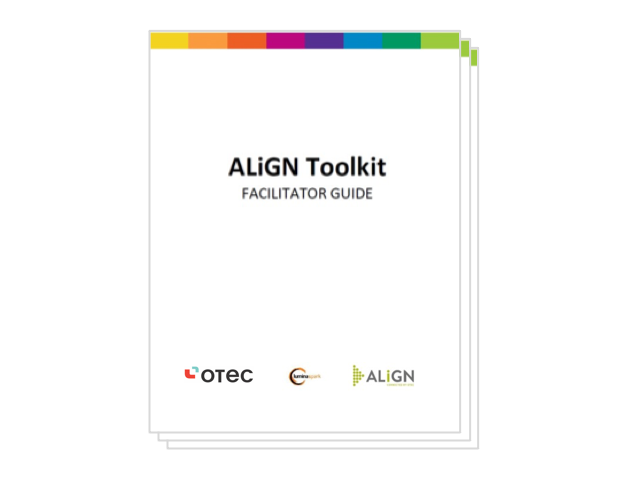
ALiGN Toolkit

ALiGN Toolkit - Facilitator Guide (PDF)


Use the facilitator guide to help lead the lessons and activities in the Presentation 1 or 2 and Presentation 2 or 2 for the ALiGN Toolkit program. 

Picture
Audience: Career Counsellor
Format:  PDF
Program: ALiGN Toolkit
Course: Presentation 1 of 2 and 2 of 2

Picture
  • ALiGN for Job Seekers
  • Completing the Assessment
  • How to Read the Assessment
  • ALiGN and your Job Search
  • ALiGN and your Job Application
  • ALiGN and your Interview

Picture
  • ALiGN Toolkit Presentation 1 of 2 PowerPoint
  • ALiGN Toolkit Presentation 2 of 2 PowerPoint
  • Lumina Splash App PowerPoint
  • Two Job Ad Activity Examples

Picture
  • Complete the ALiGN for Facilitators​ section of the ALiGN Toolkit Presentation 1 of 2 PowerPoint to learn about the Lumina Assessment tool and the benefits of the assessment for job seekers.
  • Complete the Lumina Assessment to experience the tool and be able to answer questions.
  • Review the ALiGN Toolkit Facilitator Guide and create notes on the presentation note pages available in the top link for ALiGN Toolkit Presentation 1 of 2  and ALiGN Toolkit Presentation 2 of 2.

Picture
  • Facilitate a training session, in a classroom or virtual classroom setting, in which you complete the lessons laid out in the ALiGN Toolkit Facilitator Guide.
  • Facilitate the desired sections/lessons from the presentation as outlined in the ALiGN Toolkit Facilitator Guide in a large group or one-on-one setting.
  • Have job seekers review the PowerPoint presentation as an independent study.
← Lumina Splash App
Job Seeker Dashboard →
Picture
Picture
Picture

Copyright © 2024 OTEC
  • Home
  • Table of Contents
  • Career Counsellor
    • The Spark Portrait
    • The Splash App
    • Presentation (1 of 2)
    • Presentation (2 of 2)
    • Lumina Splash App
    • Facilitator Guide
    • Job Seeker Dashboard
    • Job Aid for Employers
  • Job Seekers
    • Spark Portrait - Video
    • Spark Portrait - Workbook
    • Notes for Career Counsellors
    • Strategies for Working Together
    • Job Seeker Questionnaire
    • Completing the Assessment
    • My Personal ALiGN Guide
    • Job Fit Guide
    • Job Ad Activity - Examples
    • ALiGN Career Workbook
    • Lumina Splash App Instructions